A guide from the app’s developer
Replay an AFTERARC Run code with a different build
A familiar arena gives you room to try a new idea. AFTERARC: Ricochet lets you replay a Run code, so you can revisit the starting setup and choose a different build. Keep one question in mind: which change makes this run more fun to play?
Find and replay a Run code
- Open the Journal after a run. Find RECENT RUNS and choose a run you want to revisit. Its Run details show the Run code and setup information.
- Use the replay control. A saved run offers REPLAY RUN. If the rules have changed, the control can say REPLAY WITH CURRENT RULES.
- Or enter the code yourself. From the main screen, open Run options, choose Standard or Remix, and enter the code in Run code. The field accepts letters, numbers and dashes.
- Keep the setup comparable. Use the same difficulty and course when comparing builds. Note the upgrade you chose at the first useful wave break.
- Change one available choice. In the next attempt, try another upgrade effect. Compare the same opening section before changing more of the setup.
Look for the moment the build changes your play
Try a choice that supports catches against one that adds pressure to the field. An extra ball asks you to read more returns; a wider catch can give you more room around a difficult angle. A stronger Blast changes where a charged ball can be useful.
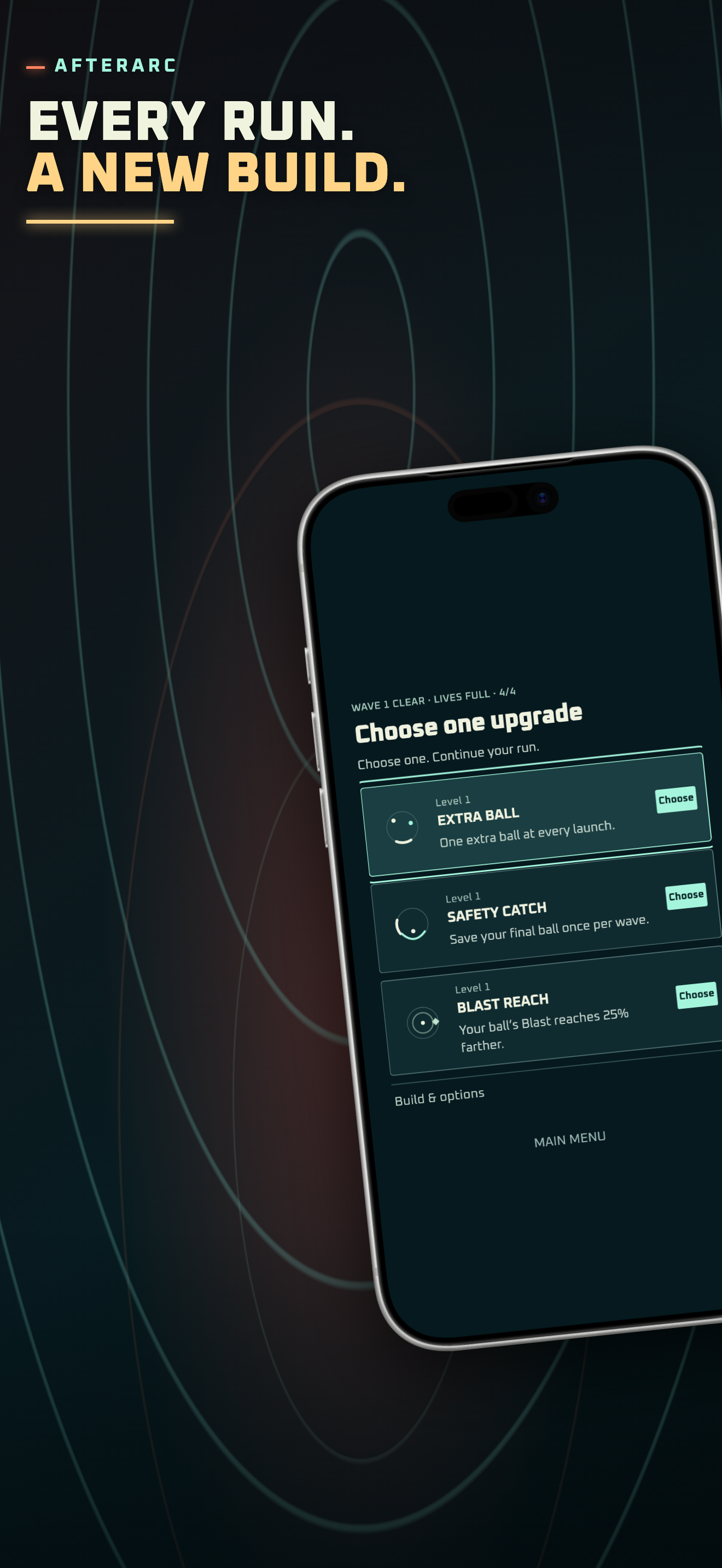
The upgrade screen pictured here shows Extra Ball, Safety Catch and Blast Reach. It is an example of a real choice screen, not a promise that those three cards appear on every replay. Read the cards offered in your run and choose a comparison you can actually repeat.
Make a short note after each attempt: where did you lose track of the return, where did the upgrade help, and which part would you play differently? A score alone does not tell you why one build felt better.
What does a Run code repeat?
A Run code repeats a structured starting point under the current rules. Your inputs and build choices still shape the run. A game update can change balance, content or outcomes, so treat a code as a way to revisit a setup rather than a frame-by-frame recording.
Some introductory fresh runs also have their own learning setup. Replaying their code can differ from that first introduction. For a cleaner comparison, use two code-based attempts under the same version and settings.
Keep the comparison small
You do not need to clear every wave to learn something. Replay a section you recognize, trade one choice, and see whether the new build gives you a catch, route or Blast opportunity you were missing. Then pick the version you want to try again.
Want a common starting point without finding an old run? Try the Daily run. If you are still learning the controls, start with the first-run guide before comparing builds.
Try it in AFTERARC: Ricochet
iPhone and iPad · iOS / iPadOS 15.0+. Free download with ads and an optional one-time Remove Ads purchase. The App Store shows the current availability and purchase options for your country.
Get AFTERARC: Ricochet on the App StoreProduct features and availability were checked against the current App Store listing. See the app overview for more details.